Nine years ago I wrote about my first experiments with DNG. Back then, the format showed promise for archiving but I wasn't convinced enough to commit. The compression was impressive, but Capture One didn't support it, and the format felt like it could still go either way.
A lot has changed since 2017.
What's different now
Two things shifted the balance:
- JPEG-XL compression. DNG now uses JPEG-XL instead of the older JPEG-based compression. This is a modern codec designed specifically for high-quality image compression, and it makes a real difference in the size-to-quality ratio.
- Wide software support. DNG is now supported across most major post-processing applications, including Capture One. My biggest concern from 2017 is no longer relevant.
The storage problem
Unrelated to DNG itself, but relevant to why I finally pulled the trigger: storage has become expensive. In 2026, AI workloads have driven memory and SSD prices through the roof. I was already running low on space, and I didn't want to overpay for another drive.
My entire photo collection, about 1.5TB of raw files, was sitting in a single location, an external NVMe drive. No redundancy, no backup. That's not a great position to be in with a decade of work.
The export
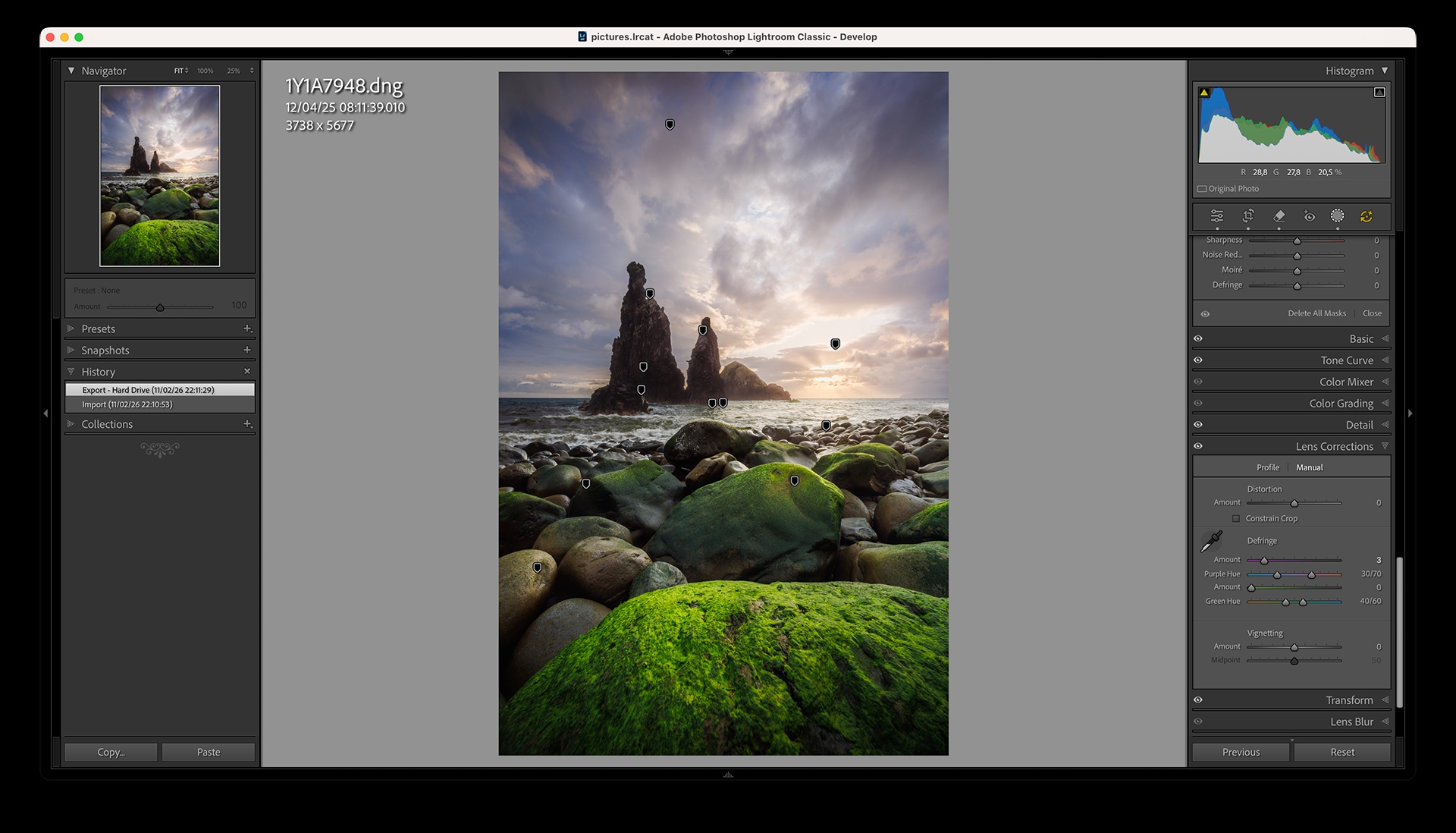
So I set up a DNG export of my entire negative library from Lightroom. Lossy compression, downscaled to 24 megapixels. It took a couple of days to churn through everything on my Apple M4 Pro.
The entire 1.5TB collection fit into roughly 230GB. About 15% of the original size, a reduction of almost 7x.
All the Lightroom edits travel with the file too. Masks, local adjustments, tone curves, everything is embedded in the DNG. If I ever need to re-import these files, all my processing work is preserved.
Quality comparison
The obvious question: how much quality do you lose with lossy 24Mp DNG?
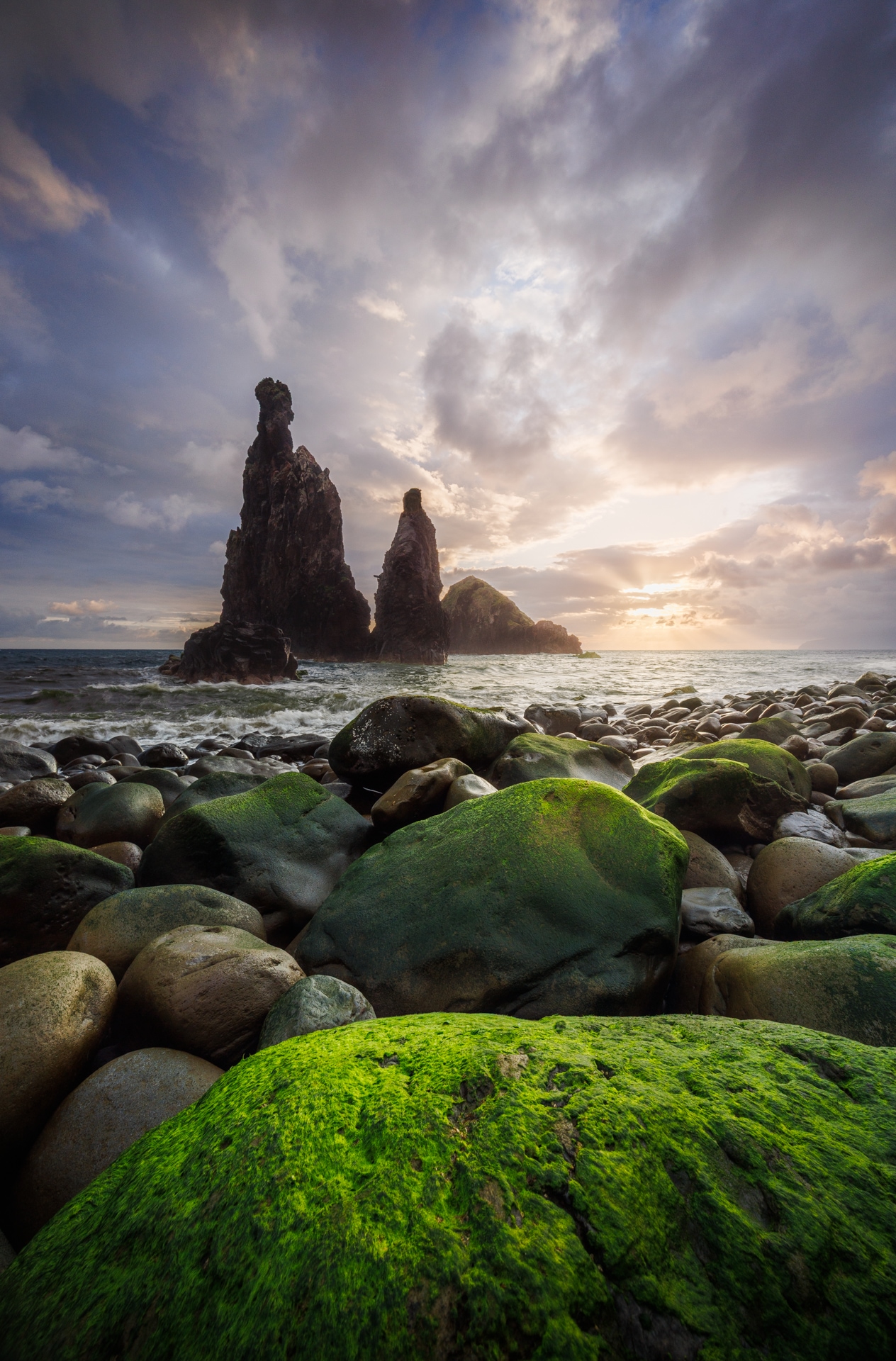
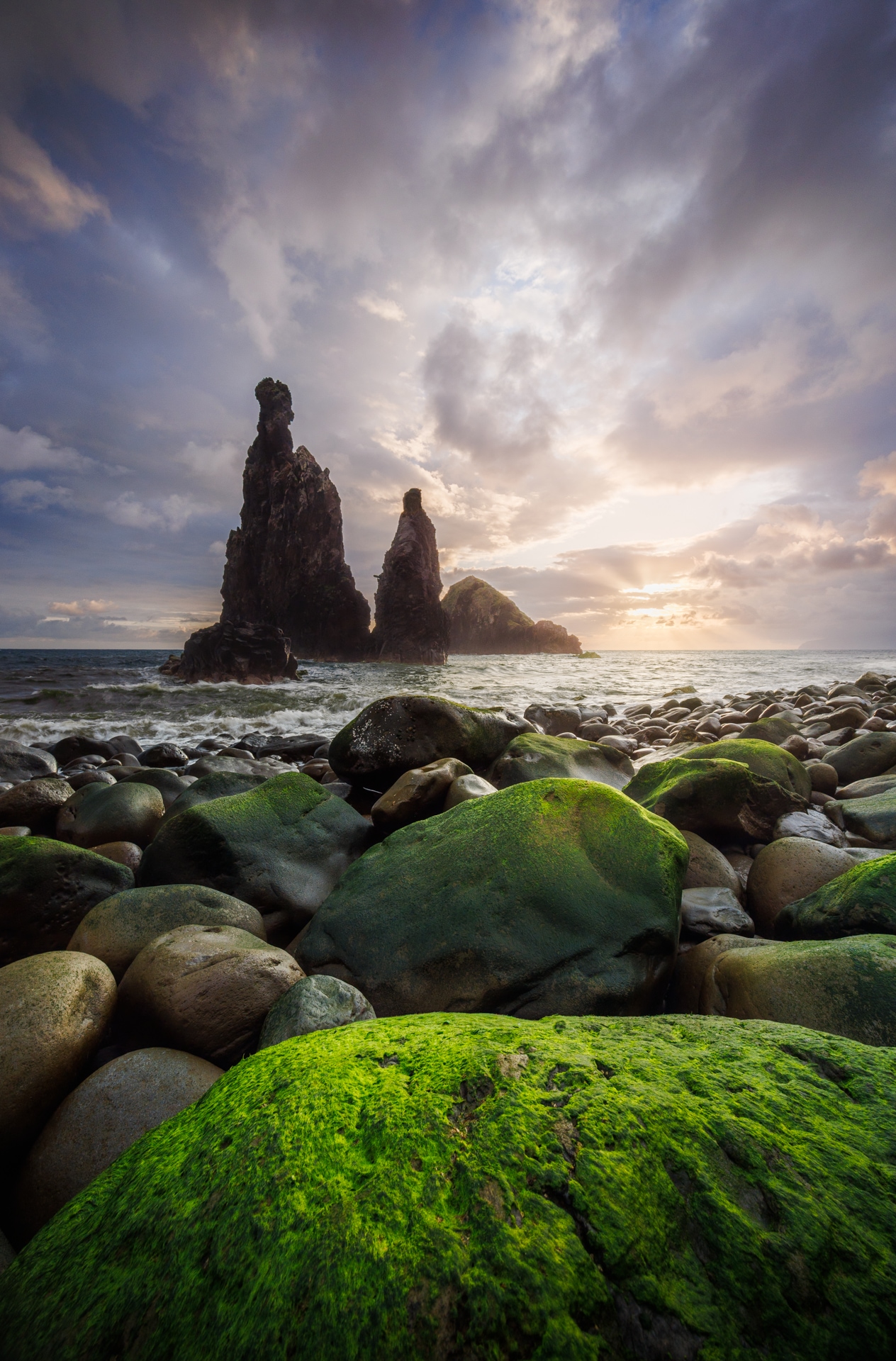
I exported some test images from both the original RAW files and from the lossy DNG versions, and put them side by side. I challenge anyone to tell which is which.
The first comparison is a landscape from Madeira, shot on a Canon R5 with the RF 14-35mm f/4. This is a heavily edited image — lots of masks, aggressive shadow recovery and highlight control. If lossy DNG is going to fall apart anywhere, it's on a file like this. If you pixel-peep you can find minor differences, probably from how the masks are re-encoded, but in practice they're invisible.
The second is a portrait of my cat, shot on a Nikon Z8 with the Nikkor Z 50mm f/1.8 — simple, minimal edits. Here, I genuinely cannot find any difference at all.


In both cases I can't tell which came from the original RAW and which from the lossy DNG. For prints, web, or social media, the quality loss is negligible for a backup.
Cloud storage on the cheap
At 230GB, the backup is small enough to store on a free-tier cloud service. I went with Terabox, which has plenty of free storage. I also archived and encrypted before upload for privacy.
So for zero additional cost, I now have a redundant off-site backup of my entire collection, with all edits included. No new hardware needed.
A note on resolution
The export dialog in Lightroom lets you set a long-edge limit — in my case 6000px, which for a 3:2 image gives roughly 24 megapixels. The resulting files sometimes come out a bit smaller than that though. For example the first shot above came out around 5677px on the long edge (~21Mp). My only explanation to this are lens profile corrections, which make the image slightly smaller.
It's also worth noting that the export doesn't upscale. If the original file was shot on a camera with less than 24 megapixels, the DNG simply keeps the native resolution. So the actual sizes in the backup vary quite a bit depending on the source camera and the edits applied — but that's fine, every file ends up at or below the target.
Looking back
In 2017 I concluded that DNG conversion wasn't worth the effort. The format was promising but not mature enough, and cloud storage was still expensive relative to what you got. I ended that post saying it "could be a good option if you are thinking to store your files on some cloud provider solution."
Nine years later, that's exactly what happened. DNG matured, cloud storage became more accessible, and the economics finally made sense. Sometimes it just takes patience.